How Outlets Order from a Central Kitchen: Cut-off Times, Par Levels and Receiving
By Alex · Founder, MakanCloud · 17 October 2026
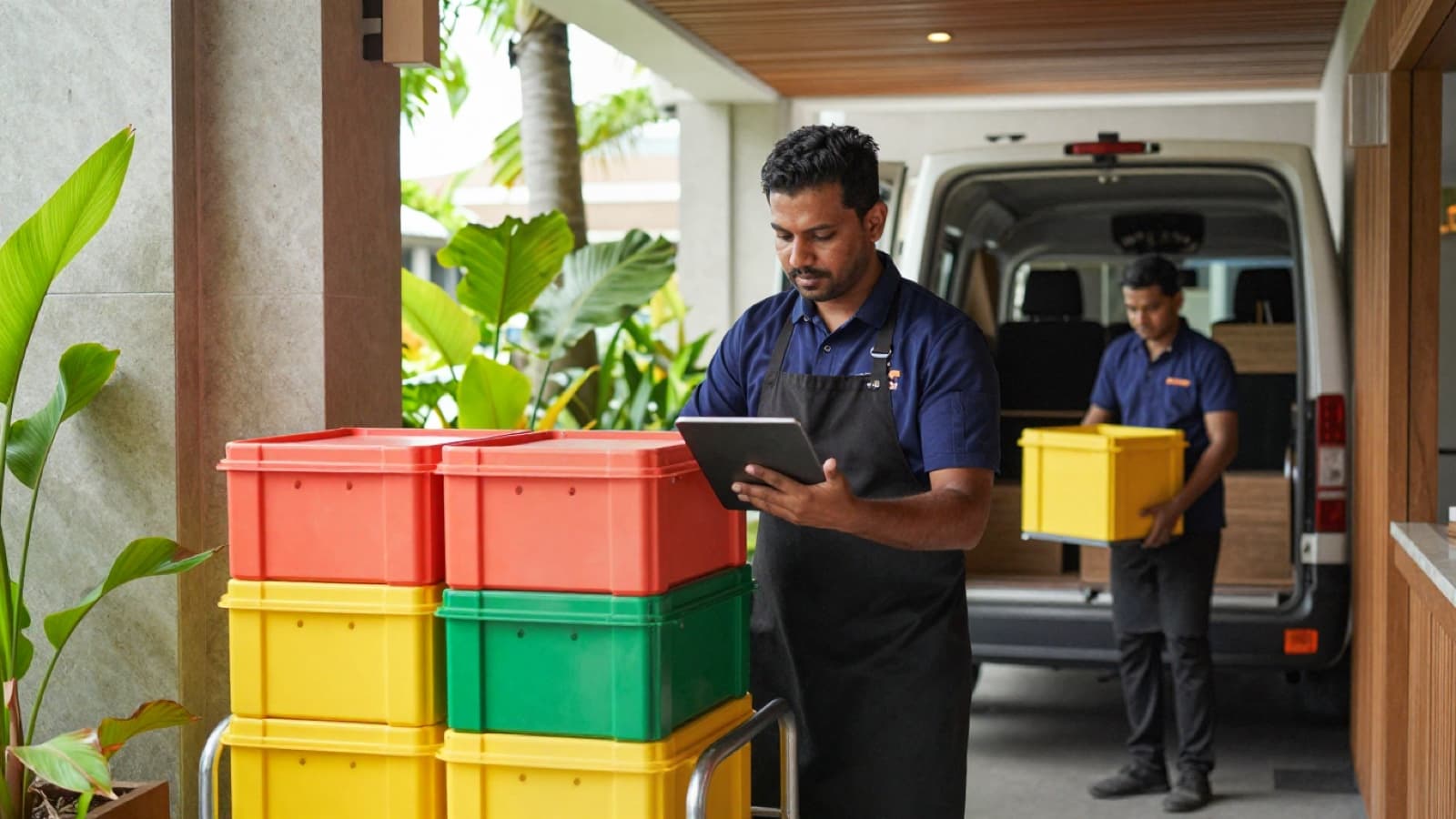
It is ten at night. The head chef at your busiest outlet sends a voice note to the central kitchen group chat: add two more trays of chicken for tomorrow. Someone at the kitchen has already gone home. Someone else sees it at six in the morning, after the prep list was printed. Tomorrow, one outlet runs out at lunch and another throws away rice it never needed.
Nobody did anything wrong. The chain simply has no ordering rules, only ordering habits. Habits work at two outlets. Somewhere around the third, they stop working, and the central kitchen starts spending its mornings chasing outlets instead of cooking.
This guide is about the rules: when outlets order, how much they order, how deliveries are checked, and how you find out which outlets are ordering badly. None of it needs software to start. At the end we show how MakanCloud handles the parts that are tedious by hand.
Why outlet orders go wrong
Most ordering problems in a Singapore chain fall into three groups.
Orders arrive late or keep changing. If outlets can order any time, the kitchen never knows when the list is final. Production either starts late or starts on numbers that change an hour later.
Quantities are guesses. A chef who has had one bad day of running out will over-order for a week. A new supervisor copies last Monday's order onto a public holiday. Without a reference number for each item, every order is a fresh guess.
Short deliveries are never recorded. The outlet notices the missing carton of noodles, borrows from the next outlet, and moves on. The kitchen never hears about it, so it happens again, and at month end the numbers do not reconcile.
Each one has a simple fix. The difficulty is applying the fix every day, across every outlet, when everyone is busy.
Rule 1: one cut-off time, worked backwards from production
The cut-off is the time after which an outlet's order for a given delivery day is closed. Set it by working backwards from what the kitchen needs, not from what is convenient for the outlets.
For example, say your kitchen starts prep at 6 am, finishes cooking by noon, sorts by outlet in the early afternoon and dispatches at 2 pm. The kitchen manager needs the full list the afternoon before to plan prep and raise purchase orders with suppliers. A cut-off of 3 pm the day before delivery gives them the evening to plan and still lets outlets order after their own lunch service.
Three things make a cut-off stick:
- One time for every outlet. Different cut-offs for different outlets sound flexible and end in confusion.
- A named owner for late changes. After the cut-off, changes go to one person, usually the kitchen manager, who decides whether they can be absorbed. Not to the group chat.
- A rule for genuine emergencies. Something will run out. Decide in advance whether that means a top-up on the next run, a transfer from a nearby outlet, or a dish taken off the menu for the day.
If you deliver less often than daily, the same logic applies to each delivery day. The cut-off is tied to the delivery, not to the calendar day.
Rule 2: par levels per outlet, not one number for the chain
A par level is the quantity an outlet should have on hand after a delivery so it lasts until the next one, plus a small buffer. It turns ordering from guessing into arithmetic: count what you have, subtract it from the par, and order the difference.
A workable starting formula:
> par = average daily usage × days until the next delivery + buffer
For example, suppose an outlet uses about 40 portions of marinated chicken a day, and deliveries come daily. With a buffer of 20%, the par is 48 portions. If the chef counts 10 portions left at closing, tomorrow's order is 38. On a delivery schedule of every two days, the same outlet's par would be 96 portions.
A few practical points:
- Set pars per outlet. A mall outlet with a lunch crowd and a neighbourhood outlet with a dinner crowd use very different amounts of the same item.
- Set weekend and weekday pars separately if your sales swing much between them, and plan ahead for public holidays.
- Watch shelf life. For an item that keeps for only a short time, the buffer should be small, or you will throw away what you saved from running out.
- Review pars monthly, using actual usage. A par set in March and never touched will be wrong by June.
Who sets the par matters too. Head office or the operations manager should own the numbers; outlet chefs should be able to argue for a change with evidence. That keeps the numbers from drifting upwards one bad day at a time.
Rule 3: one order per outlet, per delivery, in one place
Chat messages, phone calls and paper slips can all carry an order. The problem is that they cannot be added up. The kitchen ends up retyping them into a spreadsheet, and every retype is a chance for a mistake.
Whatever tool you use, keep to these three habits:
- Each outlet places one order per delivery day, in one place everyone can see.
- The order states the delivery date, not just "tomorrow", so a late order cannot slide onto the wrong day.
- Changes are made to that order, not sent as a separate message.
This is the step where most of the kitchen's admin time goes. Our case study of Tin Lok Xian describes what that looked like across 13 outlets: about 15 outlet orders a day, averaging 17 line items each, collected and totalled by hand. Its operations lead estimates that moving to system ordering saves at least 5–6 hours a day.
Rule 4: receive against the order, every delivery
When the delivery arrives, the outlet checks it against what was ordered, line by line, and records anything that does not match: short, damaged or rejected. Two minutes at the back door saves an argument at month end.
The record matters more than the check. If the outlet notes a short carton but nobody writes it down, the kitchen cannot fix the cause. It might be a picking mistake, a stock-out the kitchen did not mention, or a product that does not survive the trip well. Each one has a different fix, and you only see the pattern if every delivery is recorded the same way.
If you have not already, read our walkthrough of the seven daily checkpoints inside a central kitchen. Receiving at the outlet is the mirror image of dispatch at the kitchen, and the two records together tell you where a problem started.
Rule 5: a short month-end review
Once a month, put three lists side by side:
- What each outlet ordered, item by item.
- What each outlet reported as short, damaged or rejected.
- What each outlet sold, if your point of sale can give you that.
You are looking for the outlet that always orders well above its par, the item that is always short, and the product that sells slowly everywhere. Each one is a conversation to have with a specific person, not a policy to send to everyone.
How MakanCloud handles outlet ordering
MakanCloud's outlet ordering runs on the same rules. Here is what the system does today:
- Outlets order from a catalogue. The outlet's head chef picks items from the kitchen's product catalogue, can star frequently ordered items and filter to favourites only, and must choose an expected delivery date before submitting.
- Value is visible before submitting. Unit price, line totals and the order total are shown in the cart, so an outlet sees what it is about to order in dollars, not just quantities.
- Every order has a status. Orders move from Pending to Confirmed, Delivering and Delivered, or Cancelled. An outlet can cancel its own order while it is still pending.

- The kitchen works from one list. The central kitchen sees pending orders from every outlet, selects the ones for a delivery run and prints a single picking list that totals each product across those orders, grouped by category.
- Kitchen stock has a safety level. Products held at the central kitchen can carry a safety stock level, and the kitchen overview flags items that fall below it.
- Outlets record what arrived. When a delivery reaches the outlet, staff record the received quantity for each line and mark it accepted, short, damaged or rejected, with a note.

Two things the system does not do, so you can plan around them: it does not lock orders automatically at your cut-off time, and it does not calculate par levels for you. The cut-off is a process rule your kitchen manager enforces, and the par is a number you set and review. What the system removes is the retyping, the adding up and the lost record of what arrived.
FAQ
What time should our cut-off be?
Work backwards from when your kitchen starts prep and when it must place orders with its own suppliers. For most kitchens that start early in the morning, a cut-off the afternoon before delivery leaves time to plan. The right answer is the latest time that still lets the kitchen plan without guessing.
Should outlets or head office set the par levels?
Head office or operations should own the numbers, based on actual usage, and outlets should be able to request changes with evidence. If each outlet sets its own par, the numbers tend to drift upwards.
What about urgent orders after the cut-off?
Decide the rule before you need it: one named person approves late additions, and anything urgent is handled as a top-up on the next run or a transfer between outlets. The point is that late changes are visible, not that they never happen.
Do we need software for this?
Not at two outlets. A shared sheet with a fixed cut-off and a delivery checklist can work well. Past three outlets, the time spent collecting, retyping and adding up orders grows quickly, and that is usually when a system pays for itself in hours.
Try it on the demo
You can walk through outlet ordering yourself in the MakanCloud demo: switch to the Outlet Chef role to place an order, then to the Kitchen Manager role to see it arrive and print the picking list. Our demo walkthrough shows the full tour.
Plans and what each includes are on the pricing page. If you would rather talk through how your own outlets order today, message us on WhatsApp at +65 9782 6954.
Related articles
- How to Open a Second Restaurant Outlet in Singapore: The Operating SideA practical checklist for Singapore F&B owners opening a second outlet: what to write down before you leave the first one, how to keep dishes the same, who runs which outlet, how stock moves between them, and how to read two outlets' numbers side by side.
- Central Kitchen Software: What Actually Runs a Commissary (Singapore, 2026)Search "central kitchen Singapore" and you get factory units for rent. Here is what happens inside one — the seven daily checkpoints, which two get skipped, and when software starts to matter.
- Restaurant Staff Scheduling in Singapore: What to Check Before You Publish a RosterA practical guide to rostering restaurant staff in Singapore after the July 2026 Progressive Wage Model increase: the Employment Act and PWM rules a roster has to respect, a checklist to run before you publish, questions to ask when comparing scheduling software, and how MakanCloud generates and checks a monthly roster.
Curious how MakanCloud would fit your outlets?
14-day free trial, no credit card required — or book a 15-minute demo and we’ll walk through your setup directly.