MakanCloud features: what the platform actually does
MakanCloud puts eight operational flows for Singapore F&B chains into one system: outlet ordering, central kitchen, delivery dispatch, POS checkout, QR self-ordering, staff scheduling, AI analytics and an enterprise-grade permissions foundation. Below is what each module actually does in a working outlet.
Branch managers pick their outlet, browse the catalog, place orders, choose delivery dates and review history — accounts are decoupled from outlets and switch instantly.
One manager account can order for any active outlet; the outlet on duty is tracked in the browser and switches in one tap at handover, so you do not need a separate login per store. Every order line stores the product name, unit and price as they were at the moment of ordering, so later price changes never rewrite past orders.
Central kitchen
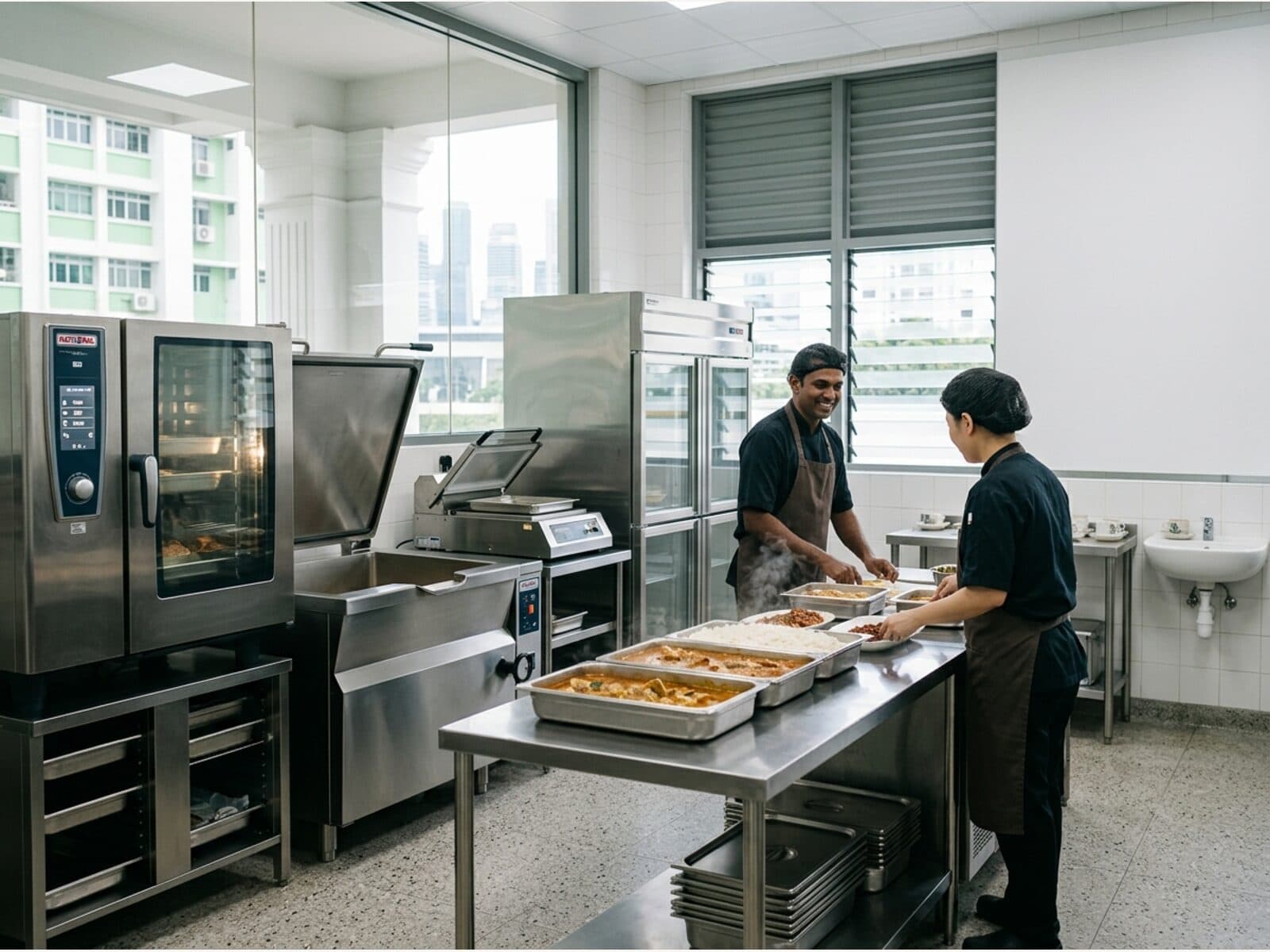
Suppliers and purchasing, production scheduling, quality checks, inventory and low-stock alerts — the whole kitchen flow in one place.
Goods received on a purchase order flow straight into stock movements. Before a production job starts, the system checks recipe ingredients against stock and lists exactly what is short rather than letting you find out halfway. On completion it writes off the raw materials and books in the finished goods in one step, so there is no second inventory ledger to reconcile.
Delivery dispatch
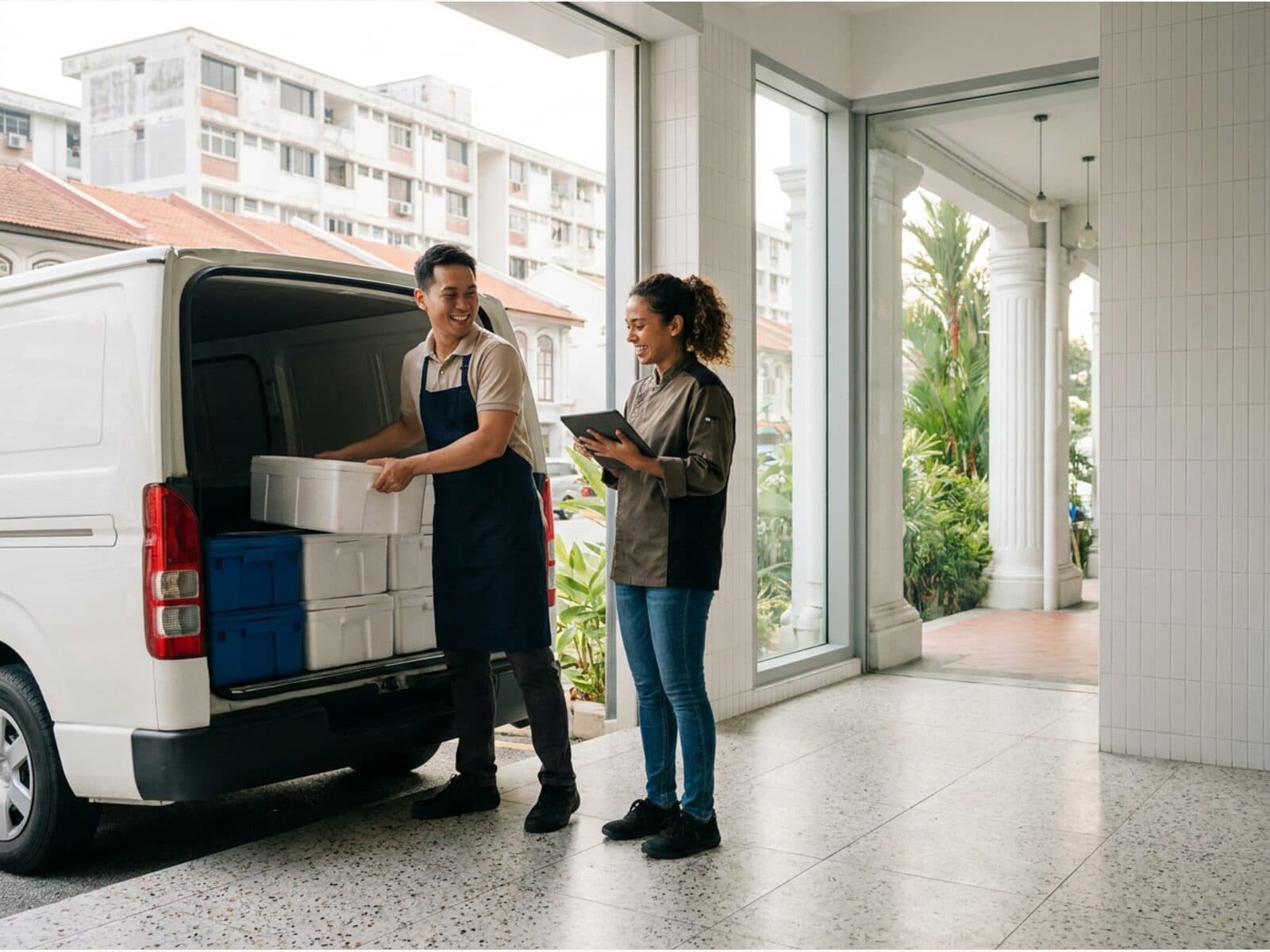
Outbound, sorting, driver dispatch and outlet receiving are fully traceable, with one-click merged A4 picking sheets.
Finishing a picking run creates the outbound order automatically, and dispatch is gated on a temperature check. Drivers advance the job in their own app through pending, assigned, picked up, in transit, arrived and signed off, and the outlet order status updates with it. Multiple orders can be merged into one A4 picking sheet grouped by category for the kitchen to pick against.
POS checkout
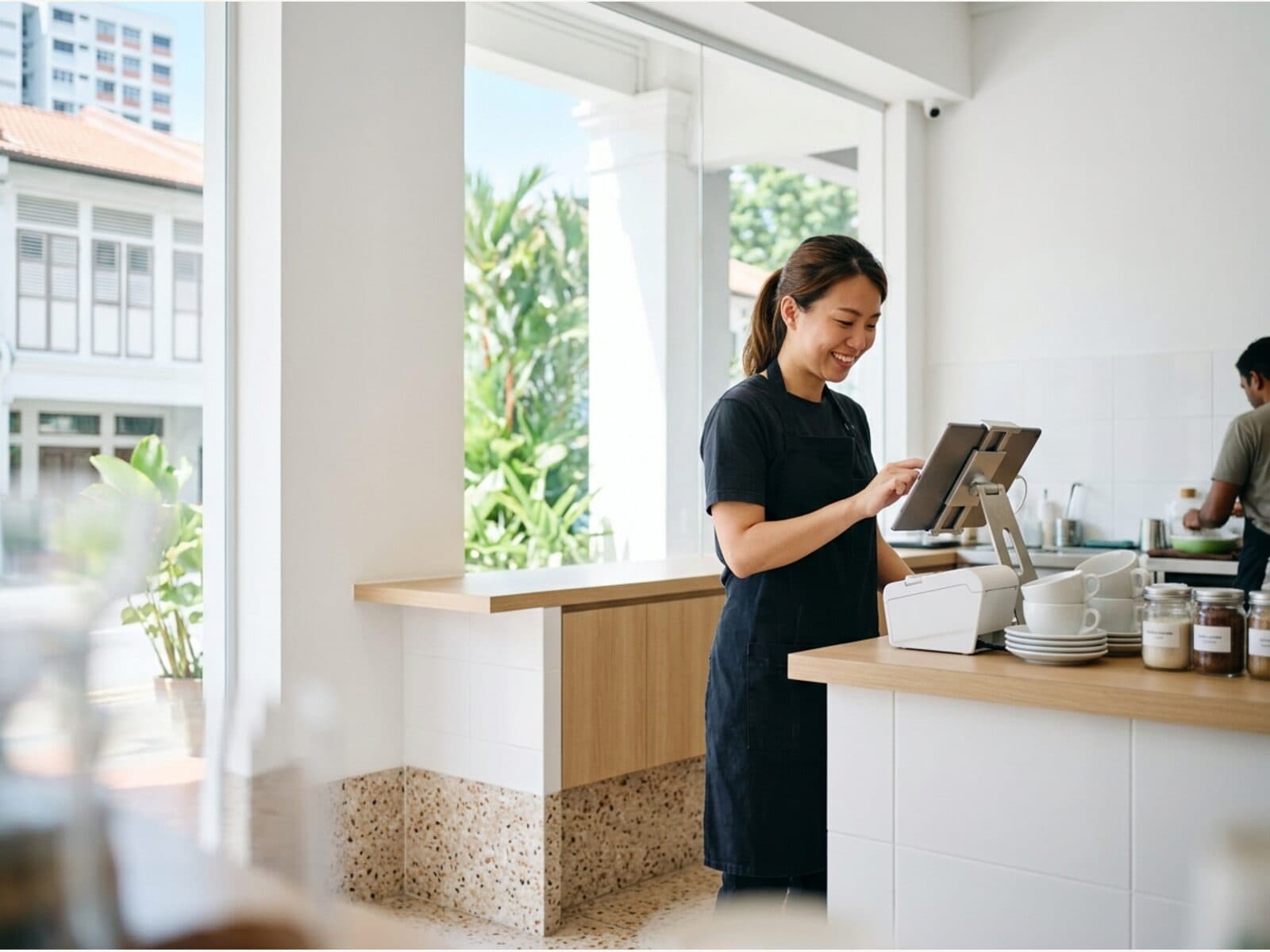
Front-counter POS works offline with idempotent sync, daily auto-backup, and terminals licensed by plan.
When the connection drops the till keeps ringing up sales into a local queue and syncs the moment the network is back. Every operation carries an idempotency key, so a replay never double-charges or duplicates a bill. Receipts, shift reports and cash-drawer commands go to the printer through a bridge running on the shop PC, with the cloud only producing the content.
QR self-ordering
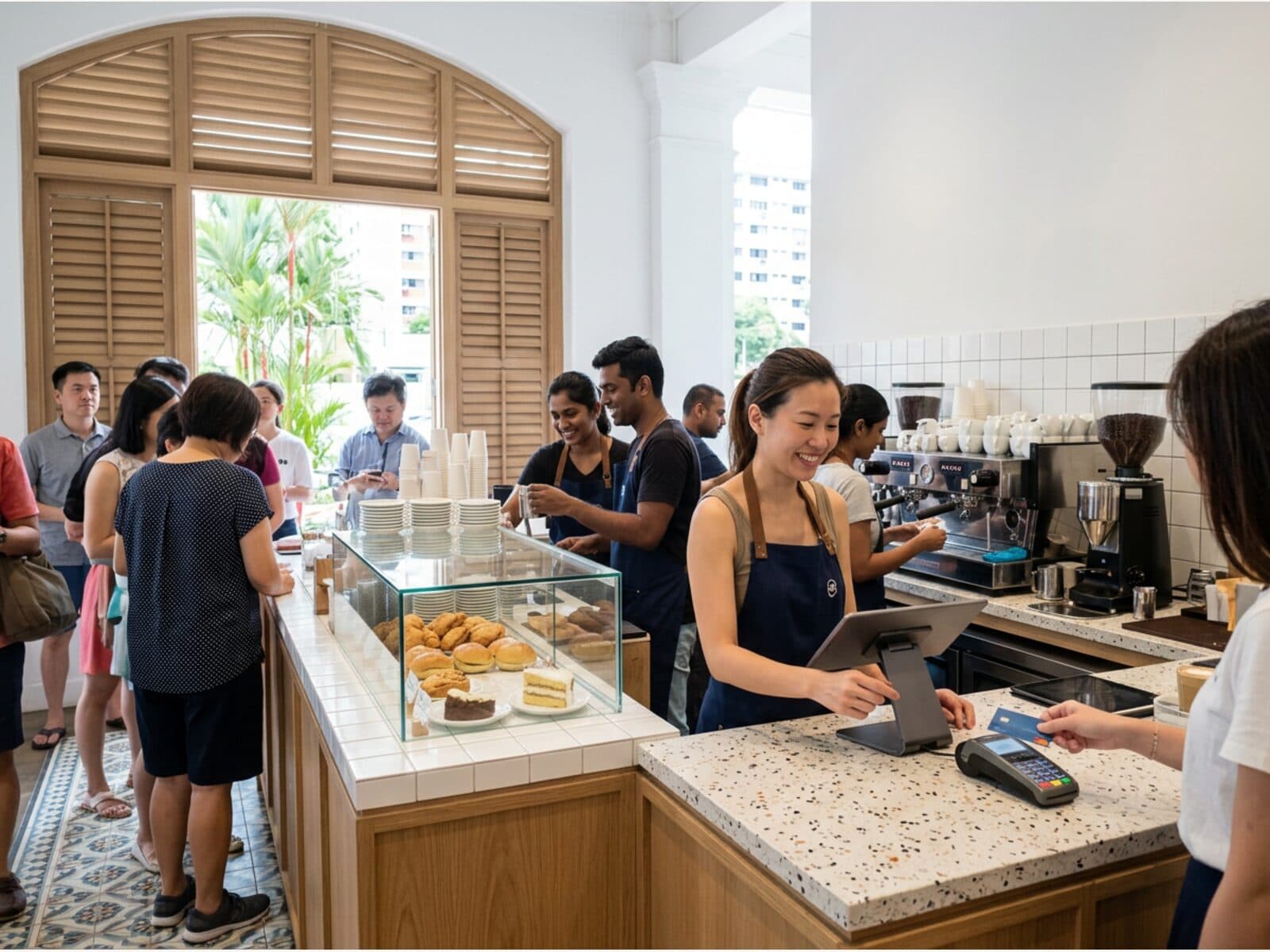
Guests scan a table QR to self-order without logging in; after PayNow the order flows straight to the kitchen display (KDS) and prints — for both counter and table-service setups.
Each table gets its own QR code and guests need no app and no account. An order does not reach the kitchen or occupy the table until payment is confirmed, so abandoned carts never lock up a table. Once payment lands the order appears on the kitchen display and prints the right ticket at each station.
Staff scheduling
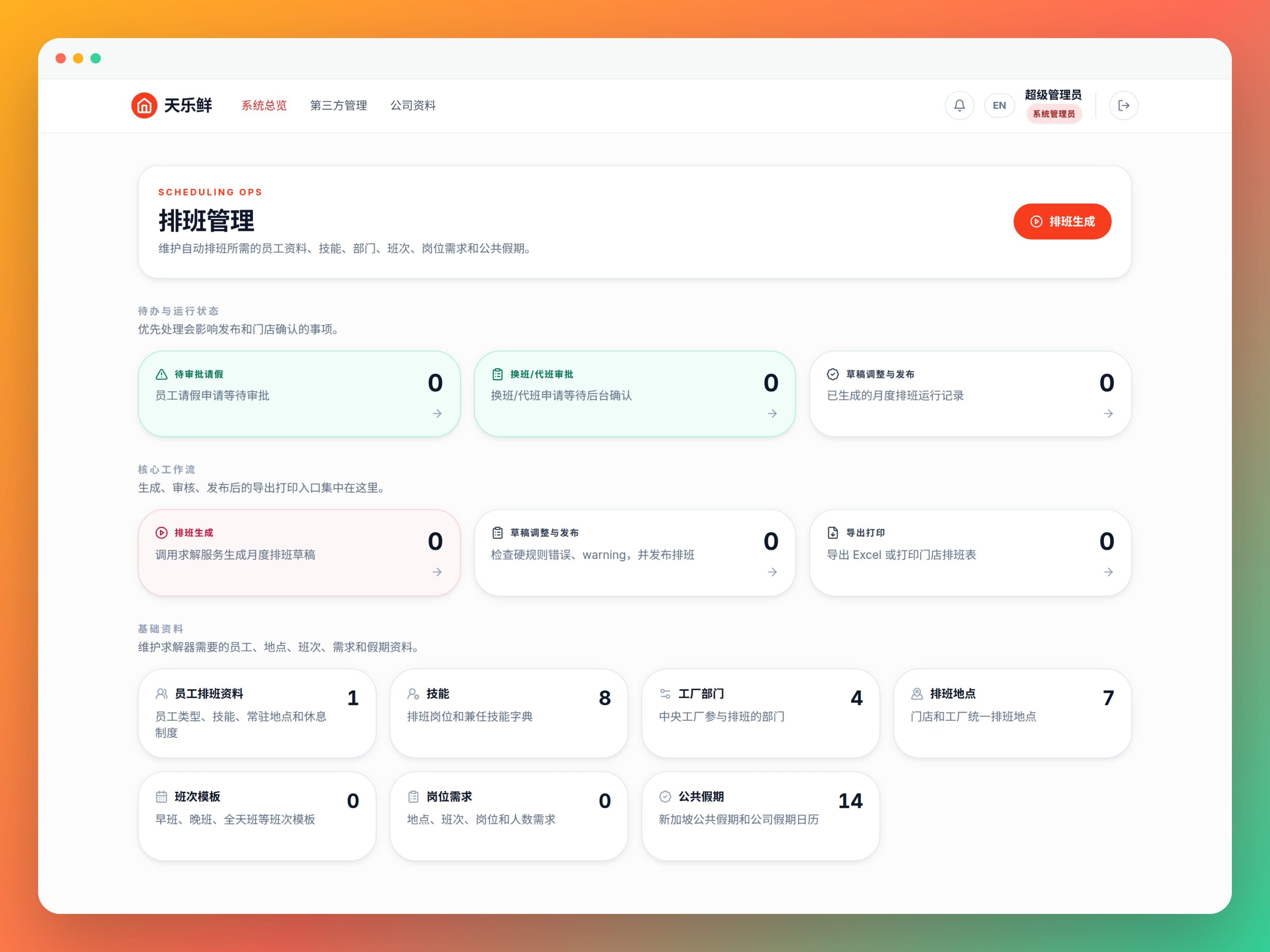
An OR-Tools solver auto-generates monthly rosters from skills, staffing needs and holidays, with leave, shift-swap approvals and outlet confirmation.
Rostering is not dragging cells around a spreadsheet. Skills, staffing requirements, holidays and rest-day rules go to a solver: non-overlapping shifts, no one scheduled during approved leave and part-time hour caps are hard constraints, while cross-outlet cover and public-holiday work are minimised and automatically credited as time off in lieu. Drafts are reviewed before publishing, and staff view shifts, request leave and start swaps in their own app.
AI analytics
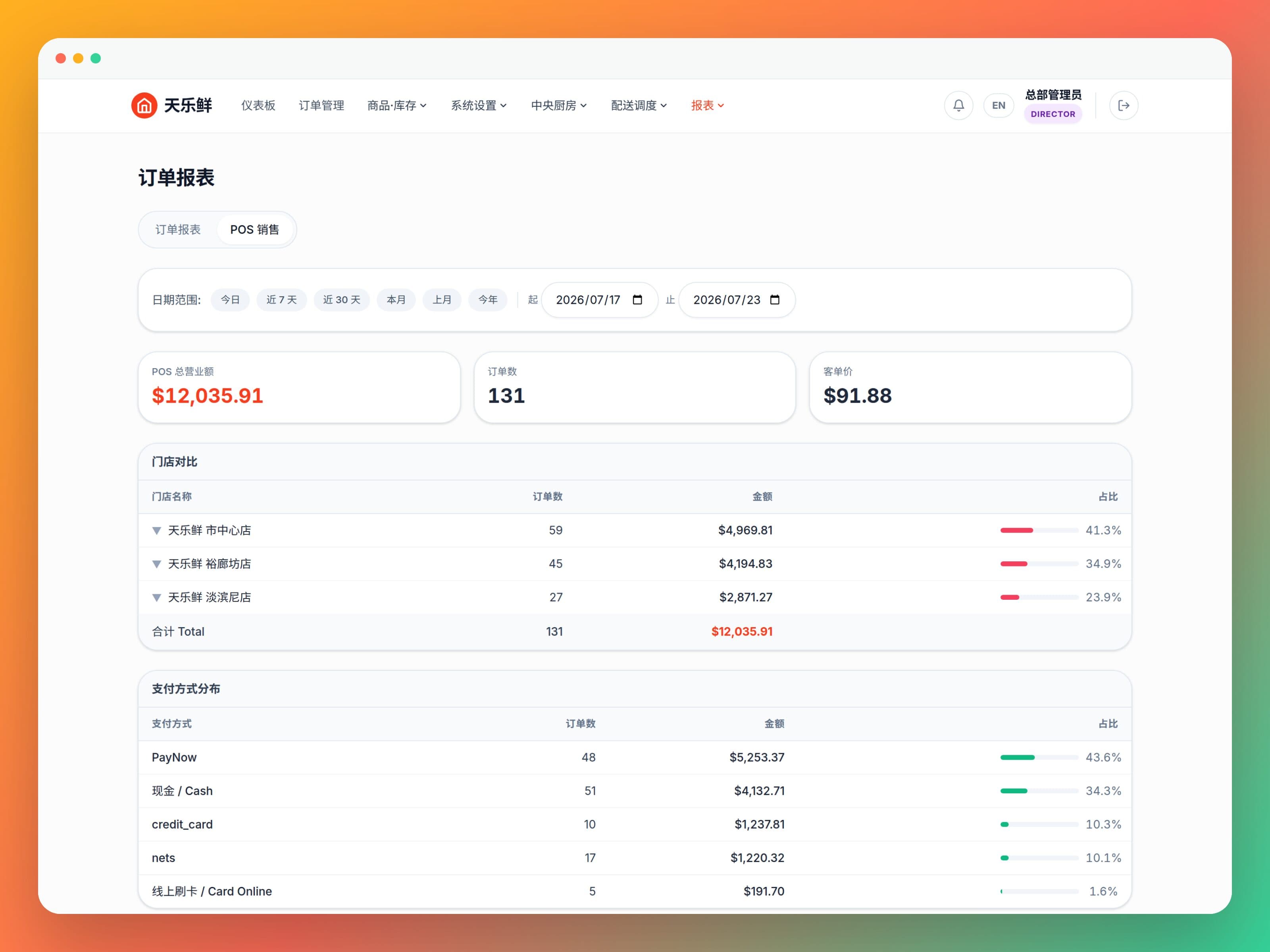
Orders, production and inventory data roll up automatically, with AI-assisted insights on one dashboard.
Sales, production and inventory already live in one system, so there is no data plumbing before you can look at them together. Daily, monthly, custom-range and month-by-month views sit on the same reports page, and the GST monthly return exports straight out.
Enterprise-grade
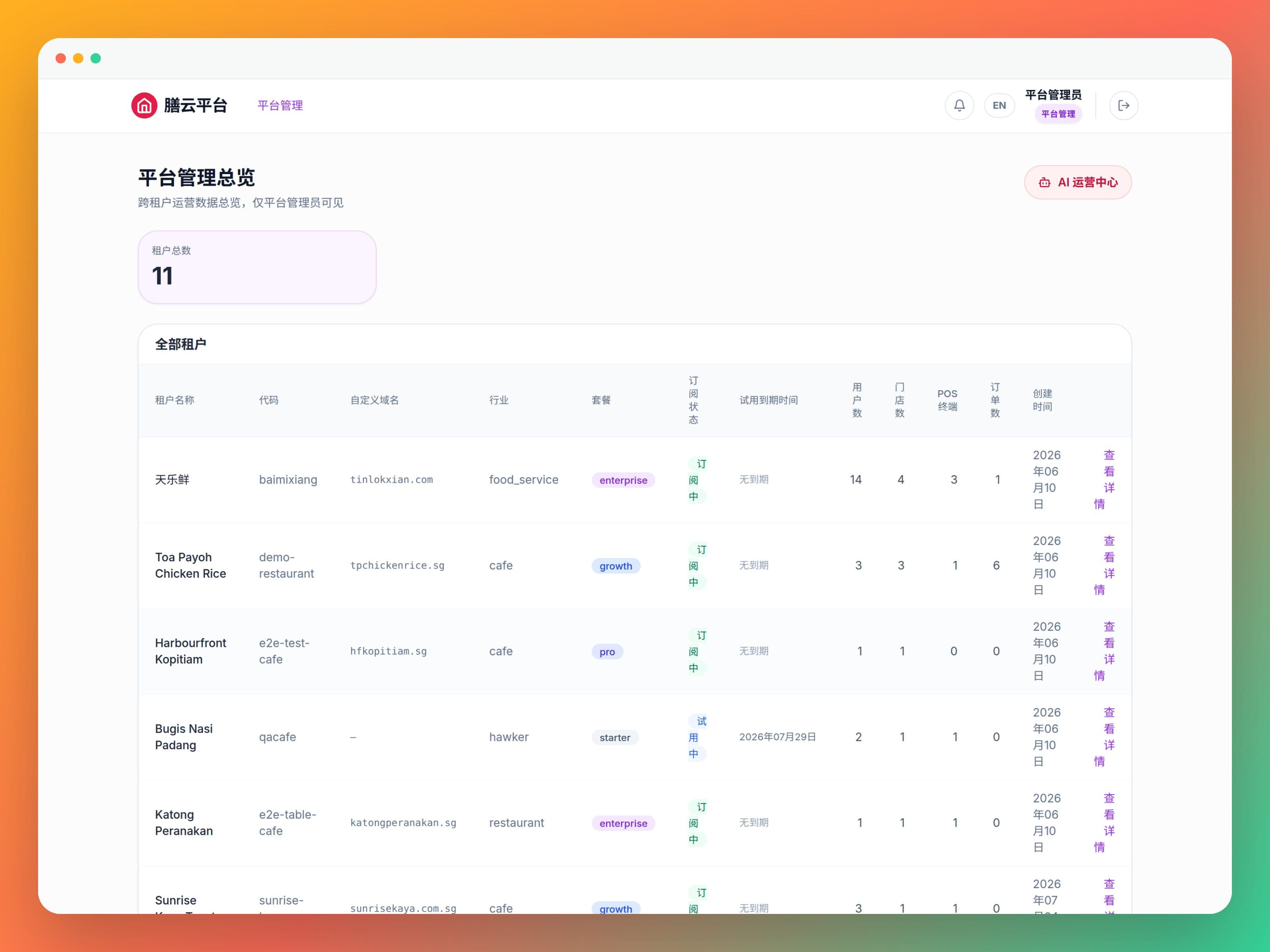
12 role permissions, audit logs, a notification center and multi-tenant row-level isolation with zero cross-tenant leakage — simple enough for owners to run.
Twelve roles from system administrator and accountant down to floor staff, each landing only on the modules they should see. Tenants are isolated at row level, with a documented penetration test every sprint. Backups run nightly and are kept for 14 days.
Built-in AI
Two places AI actually saves you time
Not a chatbot bolted onto the corner of the page. Both are wired into real data and real workflows: one answers "how do I do this", the other pulls scattered operating numbers onto one screen.
AI support assistant
Mika: always on, and hands over when it cannot help
Ask Mika anything about the product or how to do something and get an instant answer in English or 中文, grounded in a knowledge base we maintain rather than whatever the model invents. When it cannot find relevant material it does not bluff — it hands you to the local Singapore support team.
Bilingual, reachable from any page
Grounded in a curated knowledge base; escalates instead of guessing
Backed by the local Singapore team
AI analytics
Your operating numbers on one screen, no data plumbing
Checkout, ordering, production and inventory already share one system, so sales trends, top sellers, hourly distribution and outlet comparisons can be read side by side. Daily, monthly, custom-range and month-by-month views sit on one page, and the GST return exports in IRAS format.
Daily, monthly, custom range, month-by-month
Payment mix, top products, hourly heat, outlet comparison
GST monthly return exports in IRAS format
Ready to run your F&B operations smoother?
Try free for 14 days. No credit card. Live in 5 minutes.