Restaurant POS & operations · Singapore
The all-in-one POS & operations platform for Singapore F&B chains
MakanCloud is an all-in-one restaurant POS and operations platform for Singapore F&B chains. It unifies POS checkout, QR self-ordering, central-kitchen production, delivery dispatch and staff scheduling in one system.
Multi-outlet operators stop juggling disconnected tools, cut order errors, and close GST books faster. GST/IRAS-ready, PayNow-enabled, and it keeps ringing up sales even when the internet drops.
- 14-day free trial
- No credit card
- 5-minute setup
- Bilingual EN / 中文
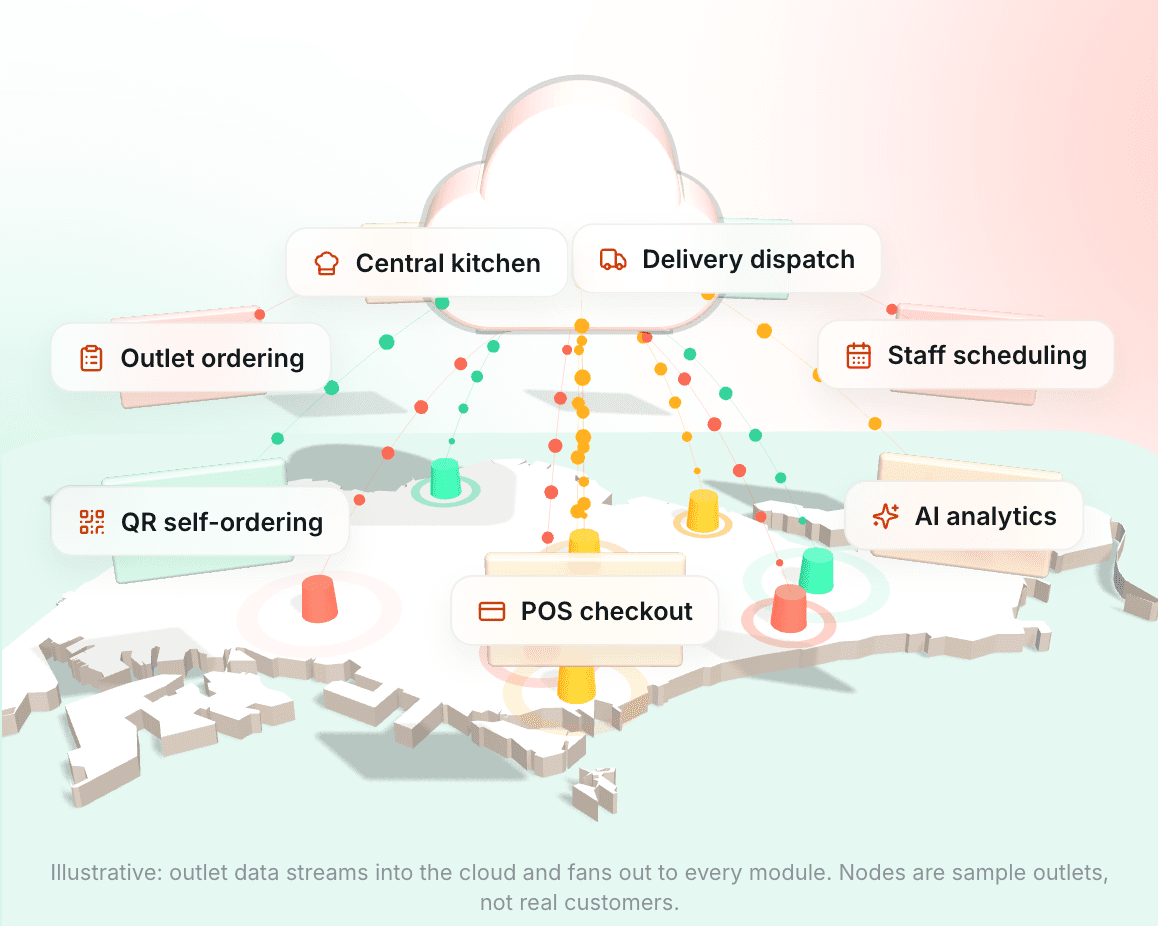
Trusted by Singapore F&B chains


- 12,000+
- orders processed
- S$1.4M+
- transaction value processed
- 14
- outlets live
- 4
- restaurant brands
- 630+
- orders every week
Reliable
Daily auto-backup kept 14 days, security audit every sprint, offline POS with idempotent sync.
Simple
Up and running in 5 minutes, one-tap EN / 中文 switch, built to be run by the owner.
Built for Singapore
Purpose-built for Singapore F&B chains — GST/IRAS, PayNow, delivery, language and workflows fit the local market.
Modules
One flow, fully covered
Outlet ordering
Branch managers pick their outlet, browse the catalog, place orders, choose delivery dates and review history — accounts are decoupled from outlets and switch instantly.
Learn moreCentral kitchen
Suppliers and purchasing, production scheduling, quality checks, inventory and low-stock alerts — the whole kitchen flow in one place.
Learn moreDelivery dispatch
Outbound, sorting, driver dispatch and outlet receiving are fully traceable, with one-click merged A4 picking sheets.
Learn morePOS checkout
Front-counter POS works offline with idempotent sync, daily auto-backup, and terminals licensed by plan.
Learn moreQR self-ordering
Guests scan a table QR to self-order without logging in; after PayNow the order flows straight to the kitchen display (KDS) and prints — for both counter and table-service setups.
Learn moreStaff scheduling
An OR-Tools solver auto-generates monthly rosters from skills, staffing needs and holidays, with leave, shift-swap approvals and outlet confirmation.
Learn moreAI analytics
Orders, production and inventory data roll up automatically, with AI-assisted insights on one dashboard.
Learn moreEnterprise-grade
12 role permissions, audit logs, a notification center and multi-tenant row-level isolation with zero cross-tenant leakage — simple enough for owners to run.
Learn moreBuilt-in AI
Two places AI actually saves you time
Not a chatbot bolted onto the corner of the page. Both are wired into real data and real workflows: one answers "how do I do this", the other pulls scattered operating numbers onto one screen.
Mika: always on, and hands over when it cannot help
Ask Mika anything about the product or how to do something and get an instant answer in English or 中文, grounded in a knowledge base we maintain rather than whatever the model invents. When it cannot find relevant material it does not bluff — it hands you to the local Singapore support team.
- Bilingual, reachable from any page
- Grounded in a curated knowledge base; escalates instead of guessing
- Backed by the local Singapore team
Your operating numbers on one screen, no data plumbing
Checkout, ordering, production and inventory already share one system, so sales trends, top sellers, hourly distribution and outlet comparisons can be read side by side. Daily, monthly, custom-range and month-by-month views sit on one page, and the GST return exports in IRAS format.
- Daily, monthly, custom range, month-by-month
- Payment mix, top products, hourly heat, outlet comparison
- GST monthly return exports in IRAS format
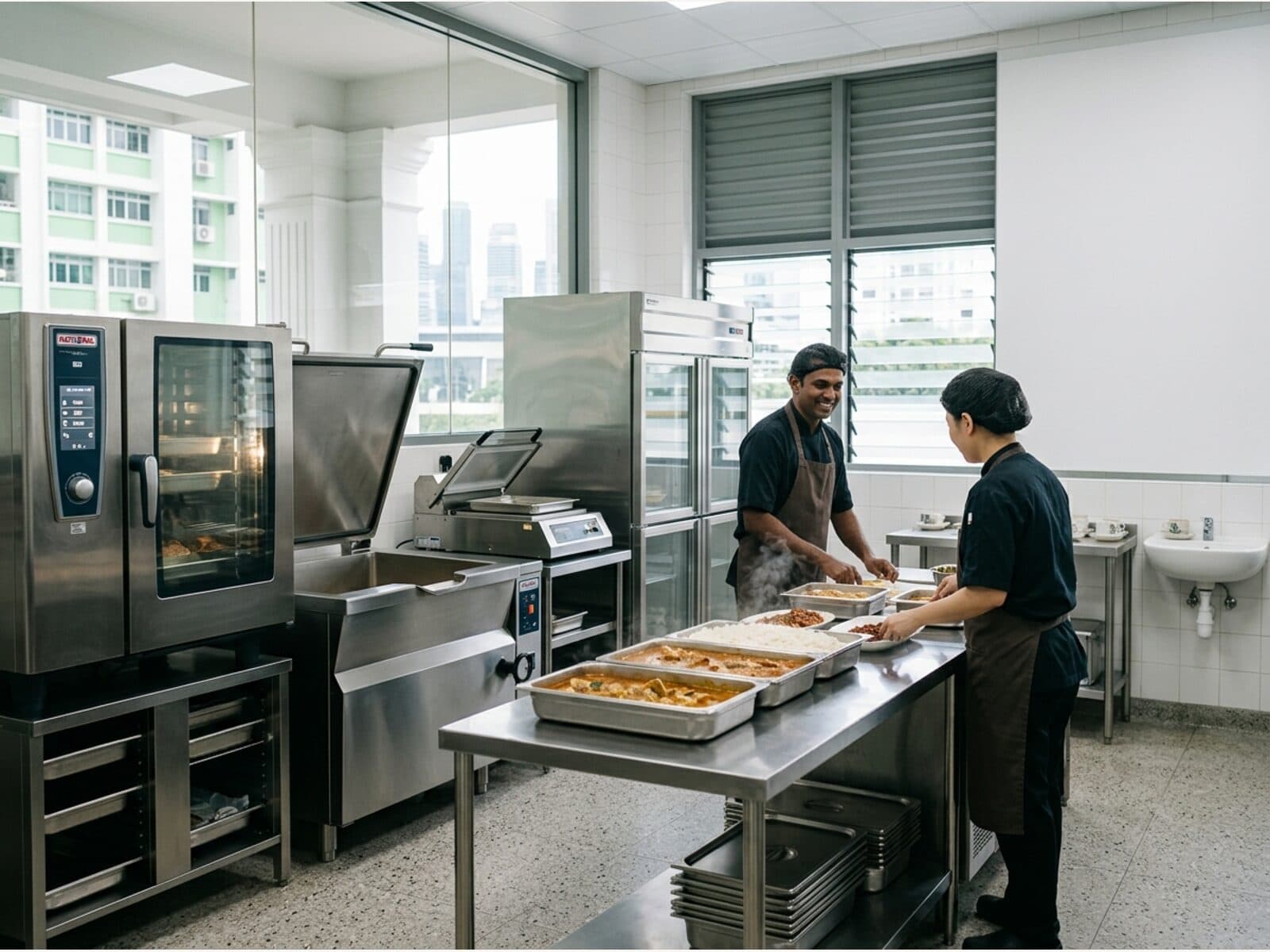
Central kitchen
Suppliers and purchasing, production scheduling, quality checks, inventory and low-stock alerts — the whole kitchen flow in one place.
Goods received on a purchase order flow straight into stock movements. Before a production job starts, the system checks recipe ingredients against stock and lists exactly what is short rather than letting you find out halfway. On completion it writes off the raw materials and books in the finished goods in one step, so there is no second inventory ledger to reconcile.
Live today, included in your trial
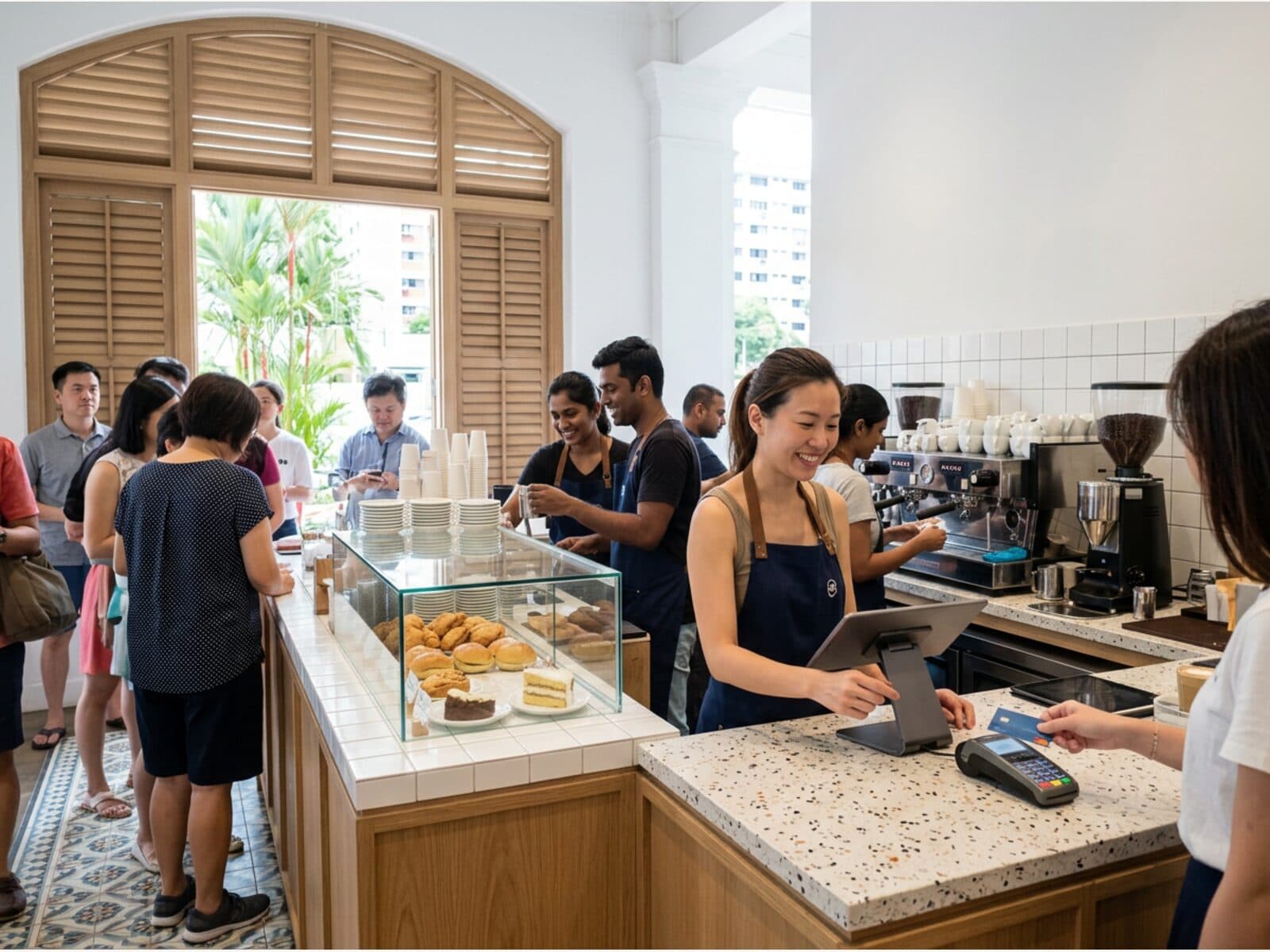
POS checkout
Front-counter POS works offline with idempotent sync, daily auto-backup, and terminals licensed by plan.
When the connection drops the till keeps ringing up sales into a local queue and syncs the moment the network is back. Every operation carries an idempotency key, so a replay never double-charges or duplicates a bill. Receipts, shift reports and cash-drawer commands go to the printer through a bridge running on the shop PC, with the cloud only producing the content.
Live today, included in your trial
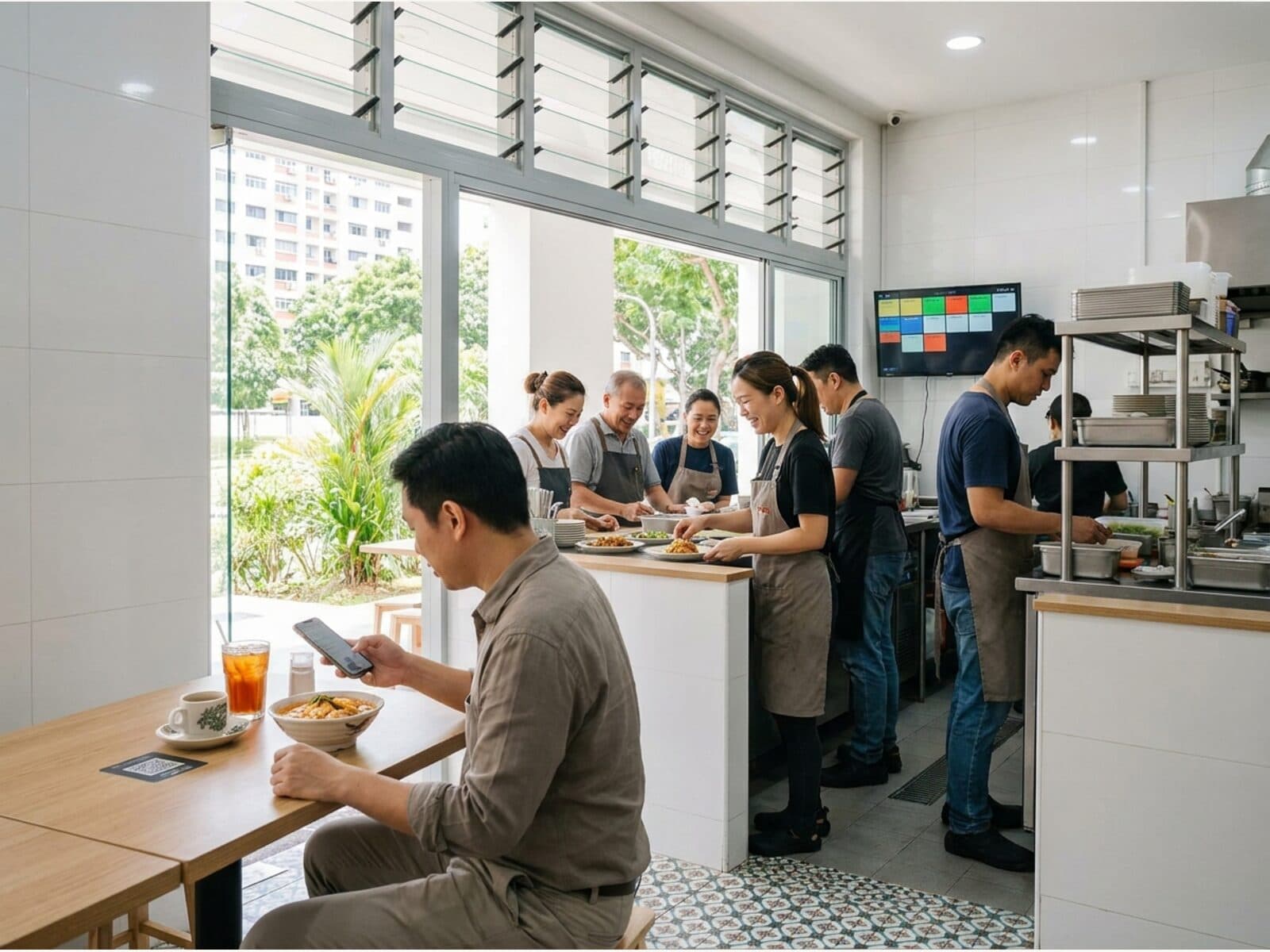
QR self-ordering
Guests scan a table QR to self-order without logging in; after PayNow the order flows straight to the kitchen display (KDS) and prints — for both counter and table-service setups.
Each table gets its own QR code and guests need no app and no account. An order does not reach the kitchen or occupy the table until payment is confirmed, so abandoned carts never lock up a table. Once payment lands the order appears on the kitchen display and prints the right ticket at each station.
Live today, included in your trial
How to choose
What to look for in a Singapore restaurant POS
Compare all-in-one coverage, local compliance and offline resilience — not just price.
| Capability | MakanCloud | Traditional POS | Generic cloud SaaS |
|---|---|---|---|
| POS + kitchen + delivery + scheduling in one | |||
| Multi-outlet & central kitchen | |||
| GST/IRAS & PayNow | |||
| Offline checkout resilience | |||
| Bilingual EN / 中文 | |||
| Transparent SGD pricing | |||
| Multi-tenant data isolation |
Pricing
Simple, transparent pricing
Pick by outlet and terminal scale, upgrade anytime. Prices are per month in SGD.
Enterprise
Unlimited scale · dedicated onboarding
S$299/ mo
- Unlimited outlets
- Unlimited POS terminals
Hardware
POS hardware bundles, pay once
A standard Windows terminal and network printers, with no proprietary lock-in. Prices are public and there is no monthly rental. Already have an ESC/POS network printer? Keep using it.
Hawker
Hawker stalls, kiosks, one till
S$699one-time
- 15.6" Windows touchscreen POS terminal (print bridge pre-installed)
- 80mm network thermal receipt printer (auto-cutter)
- Cash drawer (opens via the receipt printer)
- 12-month warranty
Outlet
Dine-in restaurant: till plus kitchen tickets
S$1,099one-time
- 15.6" Windows dual-screen POS terminal with customer display (print bridge pre-installed)
- 80mm network thermal receipt printer (auto-cutter)
- 80mm network kitchen printer
- Cash drawer (opens via the receipt printer)
- 12-month warranty
Multi-station
Separate tickets for hot kitchen, cold kitchen and bar
S$1,499one-time
- 15.6" Windows dual-screen POS terminal with customer display (print bridge pre-installed)
- 80mm network thermal receipt printer (auto-cutter)
- 3 × 80mm network kitchen printers
- Cash drawer (opens via the receipt printer)
- 8-port network switch and cables
- 12-month warranty
Every bundle includes
- Print bridge installed and printer IPs fixed before delivery: plug in and go
- Remote troubleshooting
Not included
- On-site installation (booked separately)
- Card terminal (provided by the payment provider)
- Router and cabling
Indicative one-time purchase prices in SGD; your written quote is final. We are not GST-registered, so no GST is added. Delivery in about 1 month after your order is confirmed.
FAQ
Frequently asked questions
What is MakanCloud?
MakanCloud is an all-in-one restaurant POS and operations platform for Singapore F&B chains. It brings POS checkout, QR self-ordering, central kitchen, delivery and staff scheduling into one system, with GST/IRAS and PayNow support.
How much does a restaurant POS system cost in Singapore?
Pricing is transparent across four plans, from S$59/month (Starter) to S$299/month (Enterprise), chosen by outlet and POS-terminal scale. A 14-day free trial is included and no credit card is required.
Does it work for multi-outlet chains and central kitchens?
Yes. MakanCloud supports multi-outlet ordering, central-kitchen purchasing and production, sorting, dispatch and outlet receiving as one flow — all outlets in one back office, with row-level data isolation per tenant.
Is it GST/IRAS-compliant and does it support PayNow?
Yes. Receipts follow IRAS requirements with a dynamic GST number and exportable monthly GST reports; electronic payments support PayNow QR and card terminals via YeahPay.
Can customers scan a QR code at the table to order themselves?
Yes. Guests scan the table QR with their phone camera and order in the browser, with no app to download and no sign-up; after payment the order flows to the kitchen display and prints. Both counter checkout and table-service modes are configurable per outlet.
Can it keep taking orders if the internet goes down?
Yes. The POS keeps taking orders and payments offline; a local queue syncs automatically once back online using idempotency keys, with no duplicates or lost orders.
How long does it take to go from sign-up to taking my first order?
After self-serve sign-up you can create an outlet, add products and start selling in about 5 minutes; higher plans include guided onboarding and on-site printer installation.
What hardware and printers do I need?
MakanCloud runs in the browser with no proprietary terminal; it connects to standard network receipt and kitchen printers (ESC/POS) via a local print bridge, and supports cash drawers and barcode scanners. You can keep an existing network printer, or buy a one-time hardware bundle: Hawker S$699, Outlet S$1,099, Multi-station S$1,499.
Does it integrate with GrabFood or Foodpanda?
MakanCloud includes its own built-in delivery dispatch and driver management for end-to-end tracking of your own deliveries. Direct integration with third-party aggregators such as GrabFood and Foodpanda is on the roadmap and not yet available.
Is my data isolated from other merchants?
Yes. The platform uses multi-tenant row-level isolation with a security audit every sprint, verified for zero cross-tenant data leakage.
Official sources referenced on this page
Primary sources for the Singapore compliance and payment facts cited above, so you can verify them yourself.
- IRAS — Goods and Services Tax (GST) — Official basis for receipt format and GST filing requirements.
- Singapore Food Agency — food business licensing — Licensing and hygiene requirements for food retail businesses.
- PDPC — Personal Data Protection Act (PDPA) — Legal framework for handling customer and staff personal data.
- PayNow (Association of Banks in Singapore) — The national instant-transfer scheme behind our QR payment flow.
- YeahPay (Singapore payment acquirer) — Our QR and card payments are powered by YeahPay, which states on its site that it is a Yeahka (HKEX 9923) brand holding a Singapore MPI licence.
- Stripe billing documentation — Platform subscriptions and invoicing are handled by Stripe.
Built in Singapore, for Singapore F&B
MakanCloud is built and supported from Singapore, grown out of the day-to-day operations of a real F&B chain — every step, from outlet ordering to central kitchen, delivery and front-counter checkout, is shaped against real outlets.
Ready to run your F&B operations smoother?
Try free for 14 days. No credit card. Live in 5 minutes.